Watermark
How to add a watermark to photos and videos on iPhone
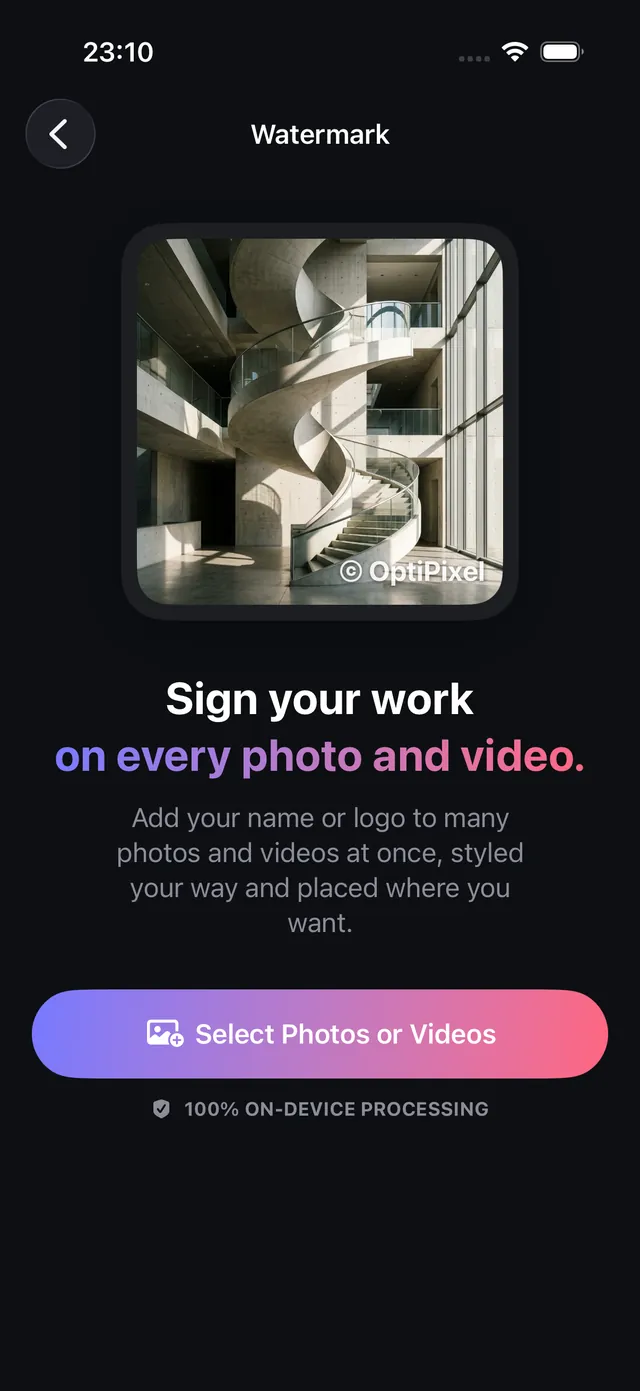
Put your name, shop handle or logo on a whole batch of photos and videos in one go — on your iPhone, with nothing uploaded.
Updated October 8, 2026 · Free on the App Store · iPhone & iPad, iOS 17+
Why adding a pixel-level watermark protects creative rights
Social media platforms, content scrapers, and digital marketplaces frequently strip EXIF metadata tags upon upload, removing photographer credit and copyright headers automatically. When visual assets are reshared or reposted without permission, only a burned-in watermark integrated directly into the image pixels guarantees permanent attribution.
While standard iOS Photos tools require manual markup on single photos, OptiPixel applies unified watermarks across mixed batches of photos and video clips simultaneously, rendering text and transparent PNG logos directly on-device.
Watermark customization options & design standards
The table below summarizes the comprehensive branding controls available in OptiPixel:
| Feature Dimension | Supported Options | Recommended Best Practice | Primary Benefit |
|---|---|---|---|
| Content Type | Text, Transparent PNG Logo, or Combined | Brand logo with social handle | Complete brand identity across media |
| Positioning Grid | 9 Anchor Positions (Corners, Edges, Center) | Bottom-Right or Bottom-Left with margin | Avoids Instagram/TikTok edge interface crops |
| Opacity Control | 0% to 100% fine slider | 40% – 60% semi-transparent | Deters theft without distracting from the subject |
| Typography & Effects | Scale, Rotation, Colors, Font Weights, Shadow | Bold font with subtle dark drop shadow | Ensures legibility on both light and dark photos |
| Media Processing | Photos (HEIC, JPG, PNG) and Videos (MOV, MP4) | Unified batch run across all assets | Consistent brand aesthetic across feeds and reels |
Add a watermark to photos and videos, step by step
- Open OptiPixel and tap Watermark in the Photos or Video section, then tap Select Photos or Videos.
- Select your assets from Photos, the Files app, or the Camera — you can combine photos and videos in the same batch.
- Configure your watermark:
- Text: Enter your brand name, website URL, or photographer copyright notice.
- Logo: Select a transparent PNG image from Files or Photos.
- Combined: Position the logo alongside or above your custom text.
- Set position and styling:
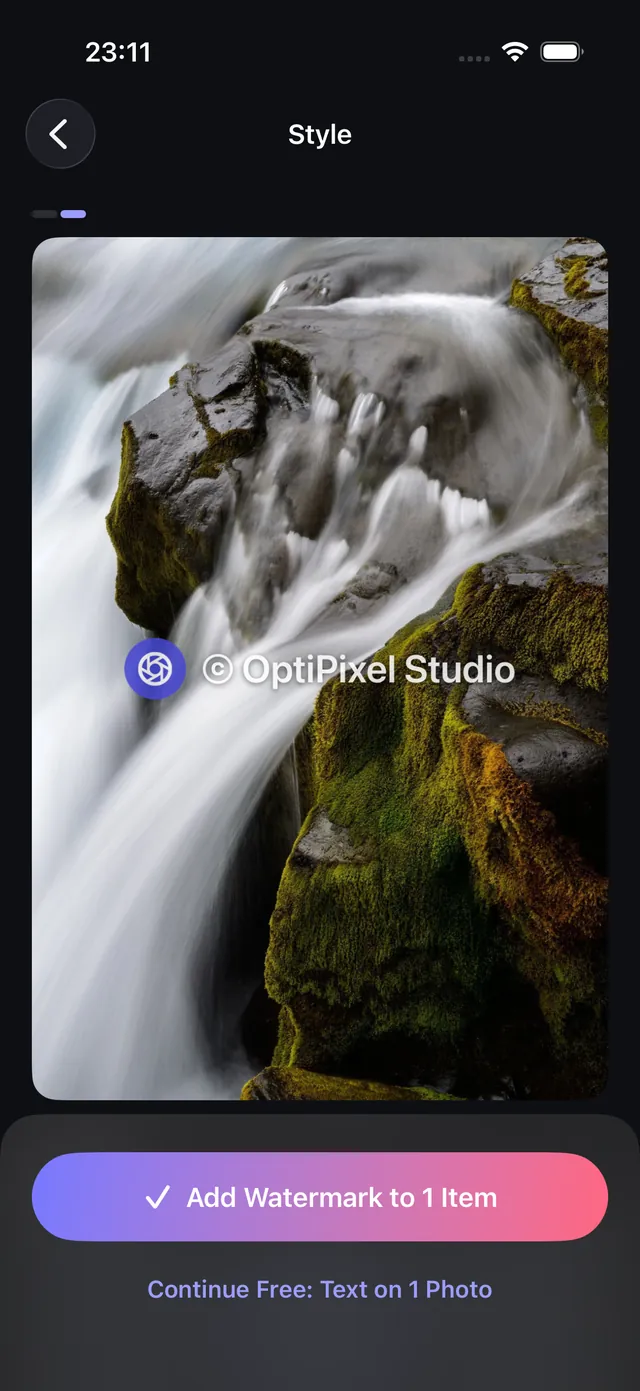
- Tap one of the 9 grid positions to lock the watermark in place.
- Adjust the Size, Opacity, and Rotation sliders.
- Add a subtle drop shadow to guarantee visibility against complex backgrounds.
- Preview the placement across different photos in your batch and tap Add Watermark.
- The Queue processes your items locally, exporting new watermarked copies while leaving the original photos completely untouched.
Need verifiable proof with automated capture dates and GPS addresses rather than creative branding? Use OptiPixel's Time Marker tool for site inspections, deliveries, and field reports.

OptiPixel — AI Transform & Watermark
Free · No account · Runs on your iPhone
Frequently asked questions
Does watermarking reduce the image resolution or quality?
No. OptiPixel renders text and vector graphics onto the original image canvas at native resolution (including 12 MP, 24 MP, and 48 MP shots). Only high-fidelity native encoders are used, ensuring no degradation of clarity.
Can watermarks be stripped by third parties?
Because OptiPixel burns the watermark directly into the image raster pixels, it cannot be stripped by EXIF metadata cleaners or platform compression engines.
Can I batch watermark videos and photos in the same operation?
Yes. OptiPixel is uniquely architected to accept mixed selections of images (HEIC, JPEG, PNG) and video clips (MOV, MP4), applying consistent positioning and scale across the entire collection.
Are my original unmarked photos protected?
Yes. OptiPixel strictly enforces non-destructive processing: watermarked files are saved as clean new assets, preserving your master originals in your Apple Photos library.
Is any media uploaded to cloud servers during watermarking?
No. All rendering, typography rasterization, and video compositing run 100% locally on your iPhone hardware, ensuring zero privacy risk and full offline capability.