OptiPixel
A product by NightSoft
AI Transform & Watermark
AI photo magic and everyday edits. All on your iPhone.
OptiPixel turns photos into art, watermarks and timestamps your shots, compresses videos and frees up storage — fast, private, and with nothing uploaded.
Free on the App Store · iPhone & iPad · iOS 17 or later
Why people switch to OptiPixel
Nothing leaves your phone
Every tool runs on the device. No uploads, no account, no waiting on a server — and it keeps working offline.
One app instead of ten
AI styles, watermark, compress, convert, crop, collage, storage cleanup and more, all working the same simple way.
Big batches, in the background
Pick a hundred photos, add them to the Queue and keep using your phone. Each file reports its own result, and your originals stay untouched.
AI Transform
Turn any photo into a work of art.
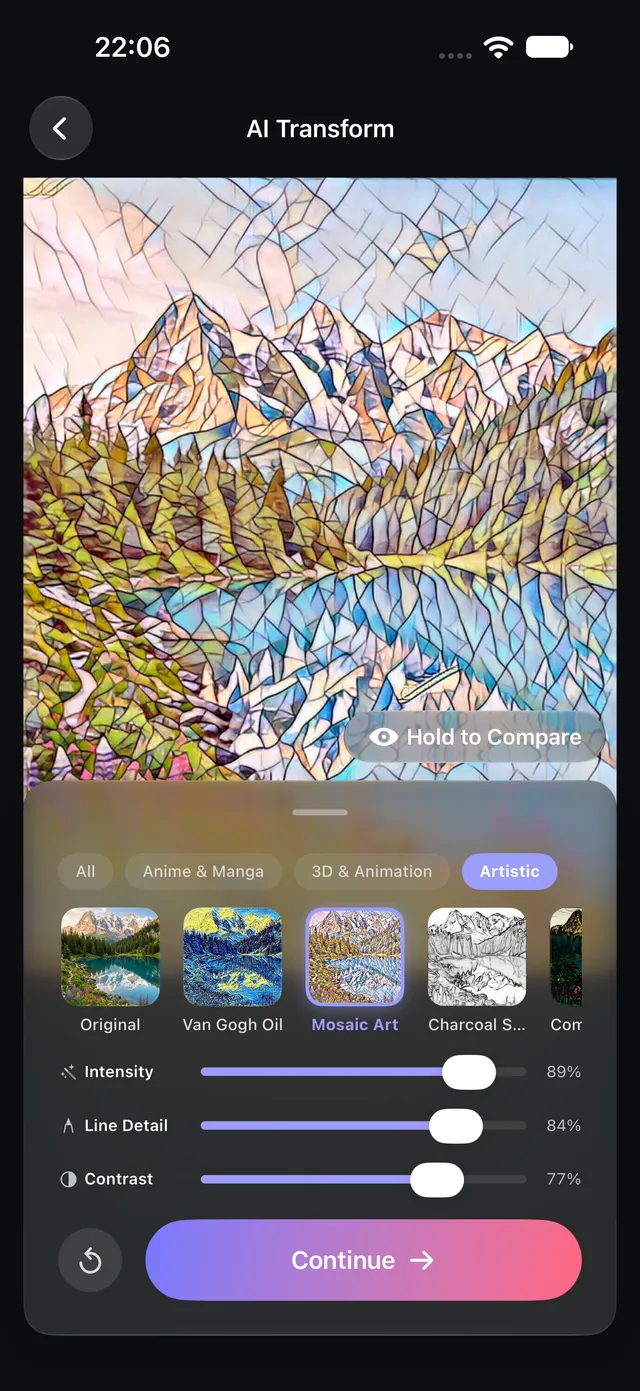
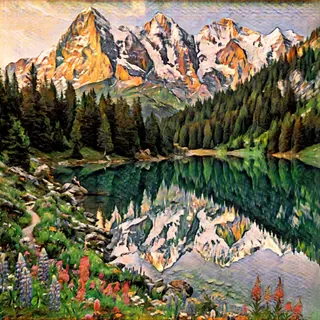
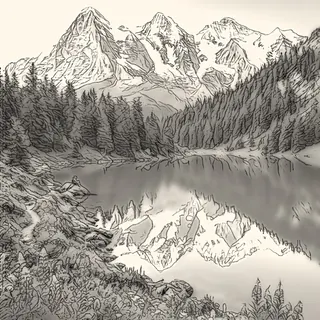
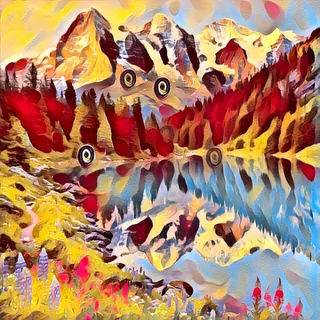
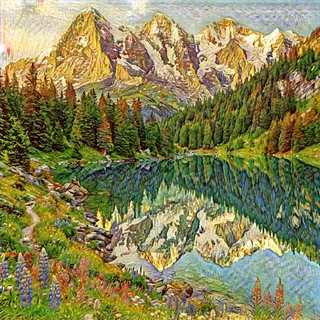
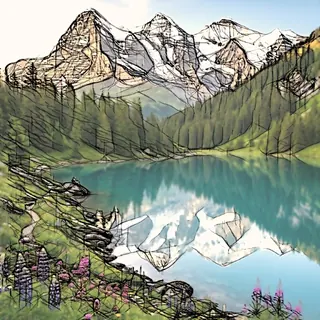
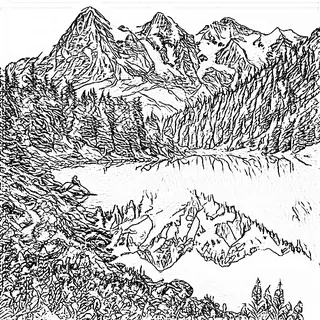
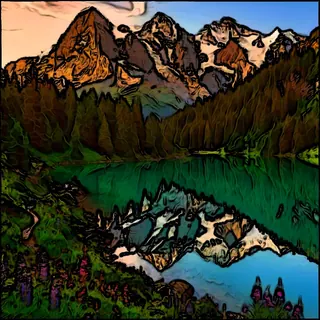
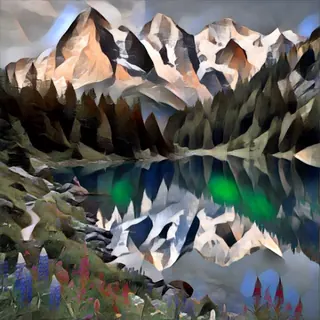
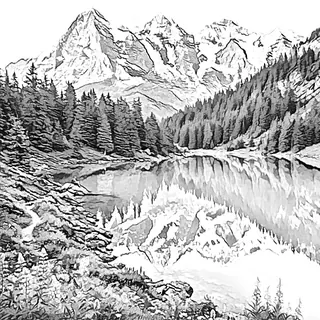
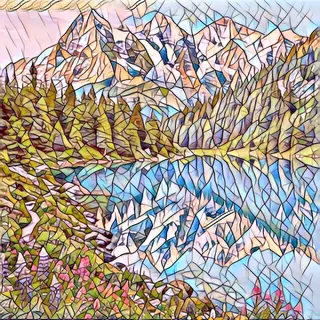
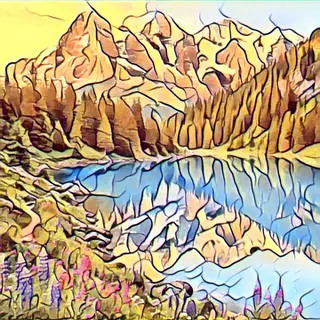
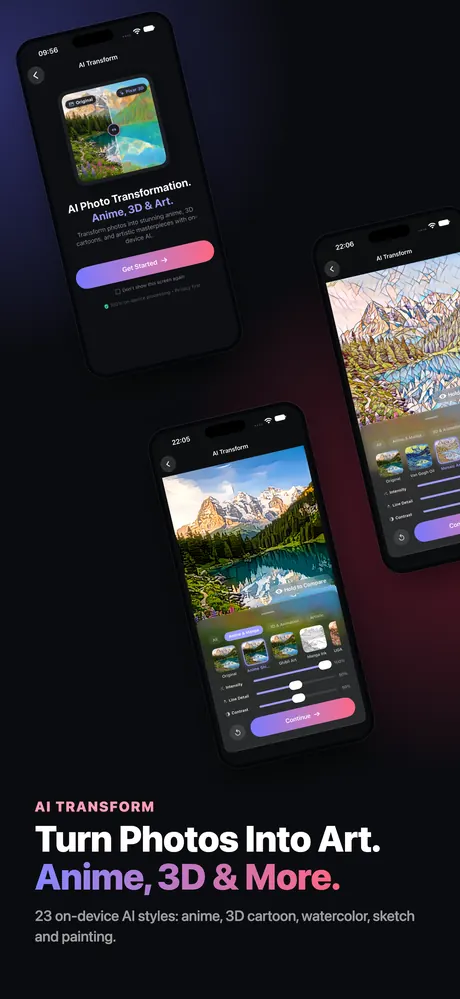
23 styles — watercolor, anime, 3D cartoon, comic, sketch and classic painting — drawn by AI models that run on your iPhone. Your photo never goes to a server.
- Fine-tune intensity, line detail and contrast live
- Hold to compare with the original at any time
- Apply one style to a whole album in the background
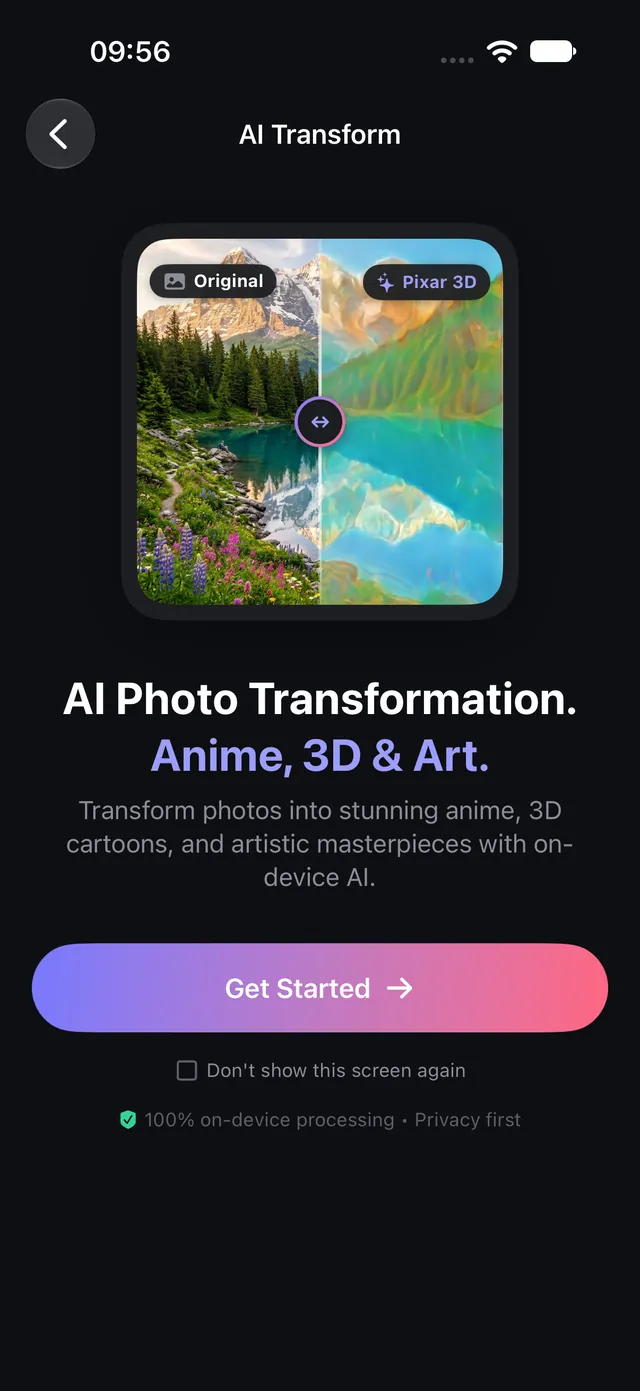
Same photo. A new world.
Drag across to compare a photo with its AI Transform result — made on an iPhone, not in the cloud.

 OriginalAI Transform
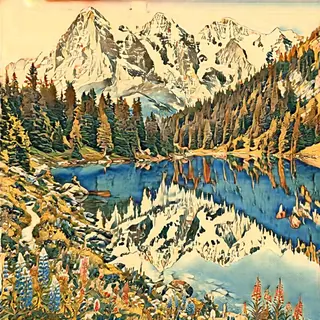
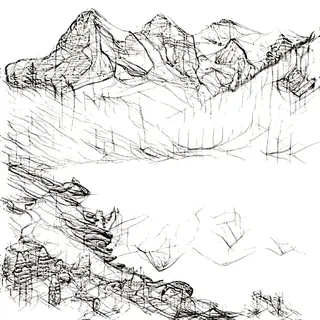
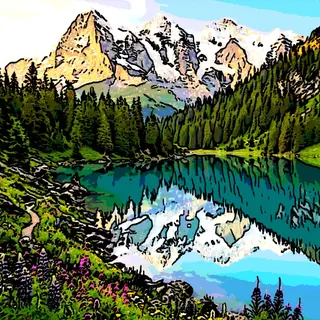
23 AI styles. Zero uploads.
From soft watercolor to bold comic ink. Tune each style, then apply it to one photo or a whole album.









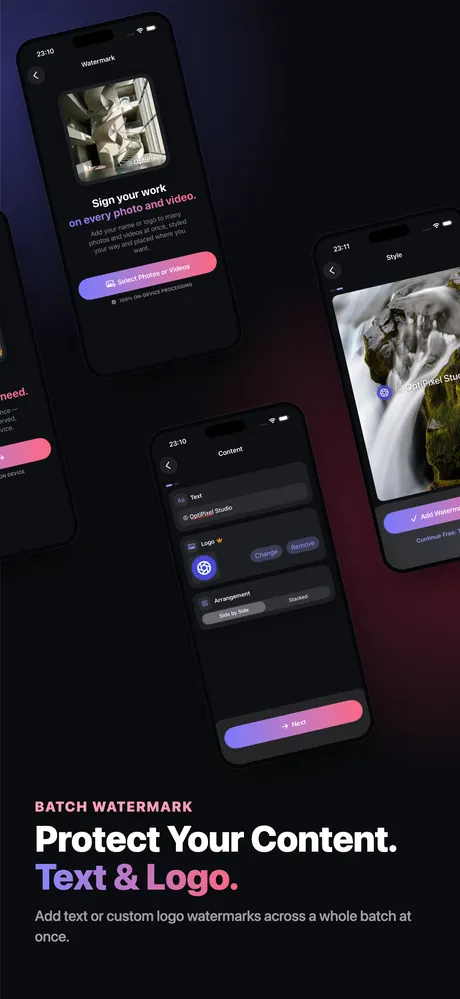
Watermark
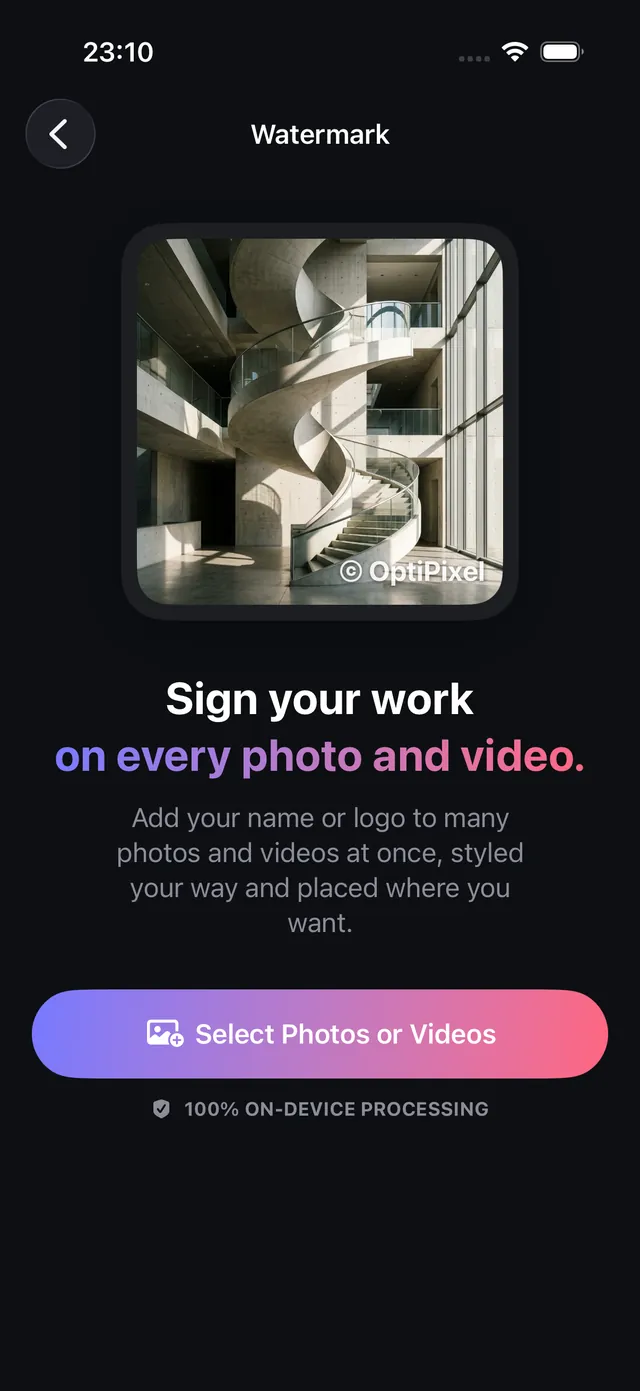
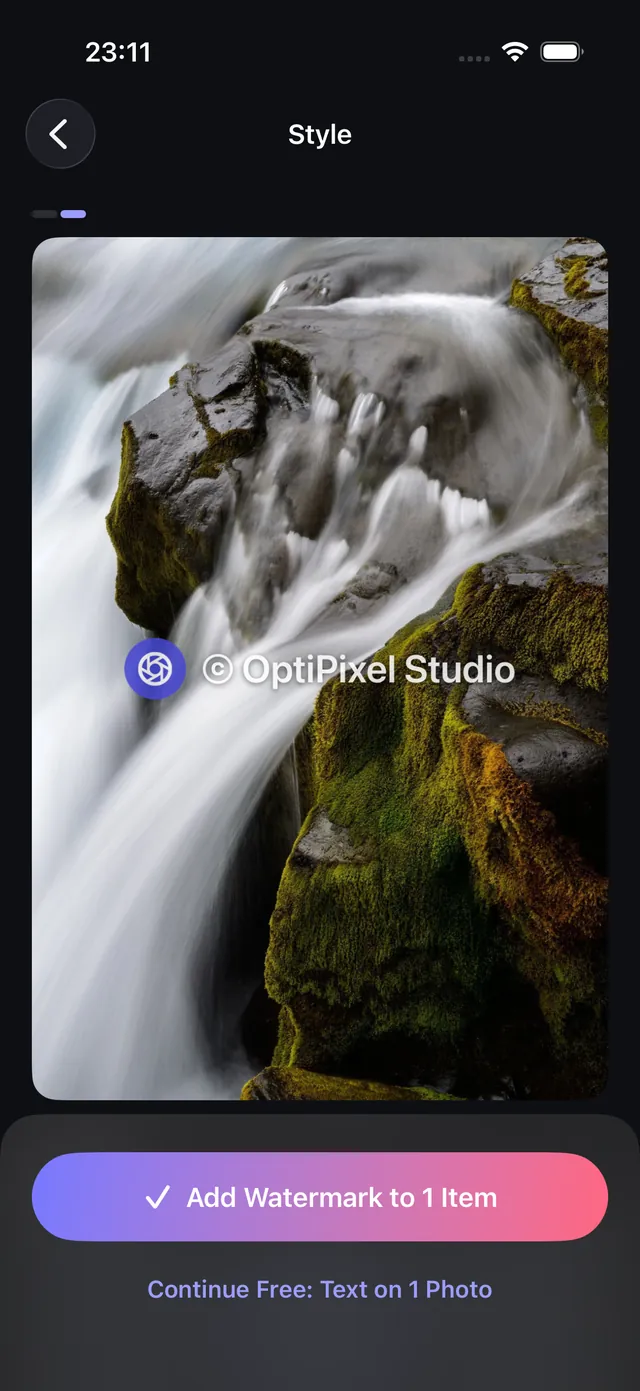
Sign your work on every photo and video.
Put your name, your logo or both on a whole batch in one go. The mark is burned into the pixels, so a re-upload or a screenshot can't strip it.
- Text, a transparent PNG logo, or both
- 9 positions plus size, opacity, rotation and font style
- Photos and videos in the same run
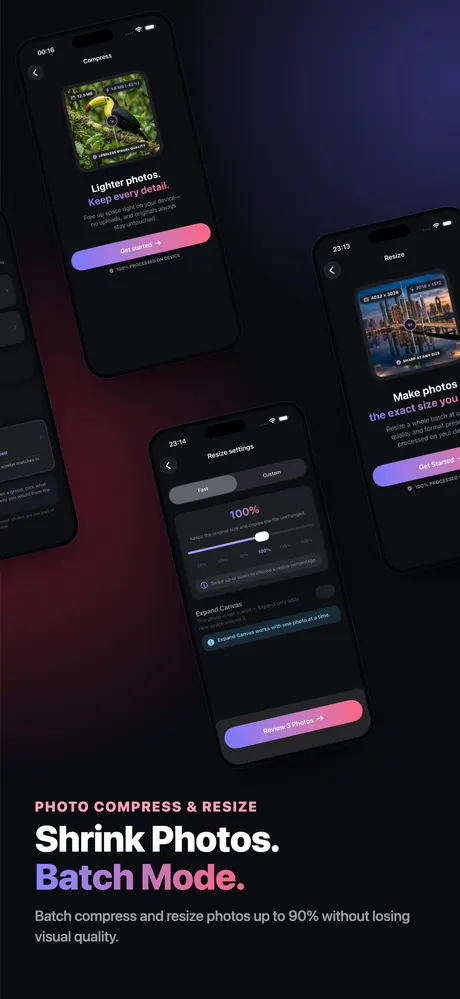
Compress
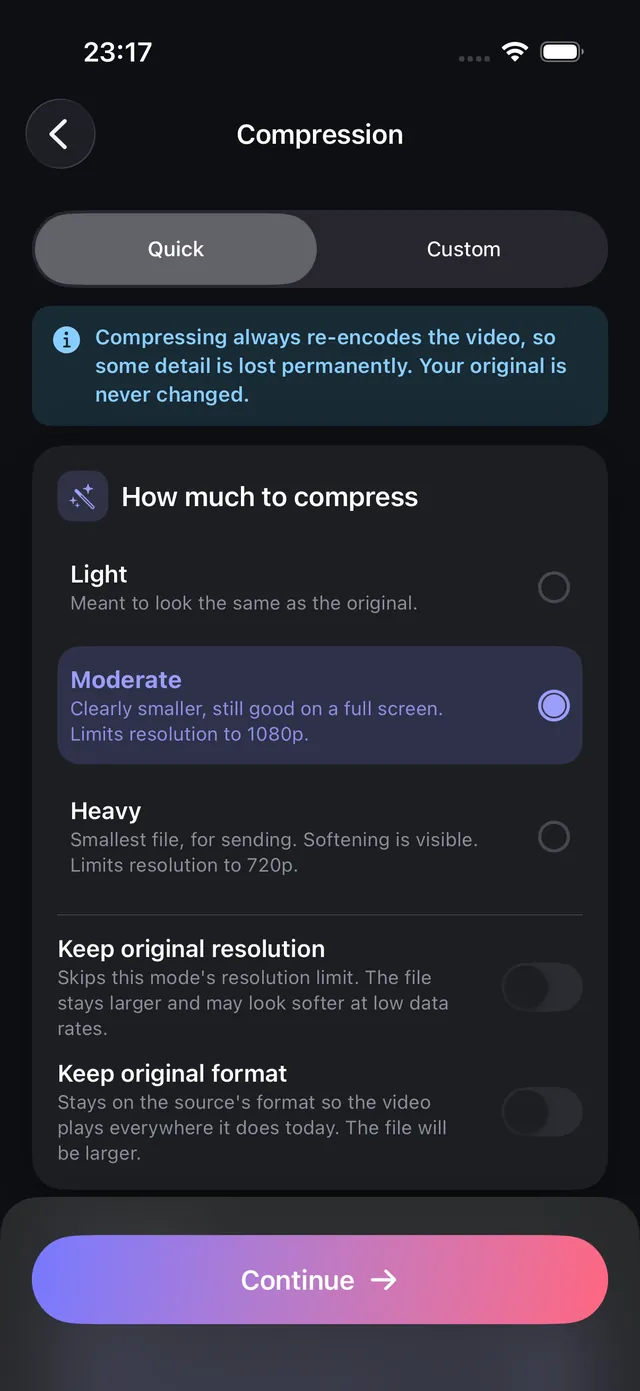
Smaller files. Same moments.
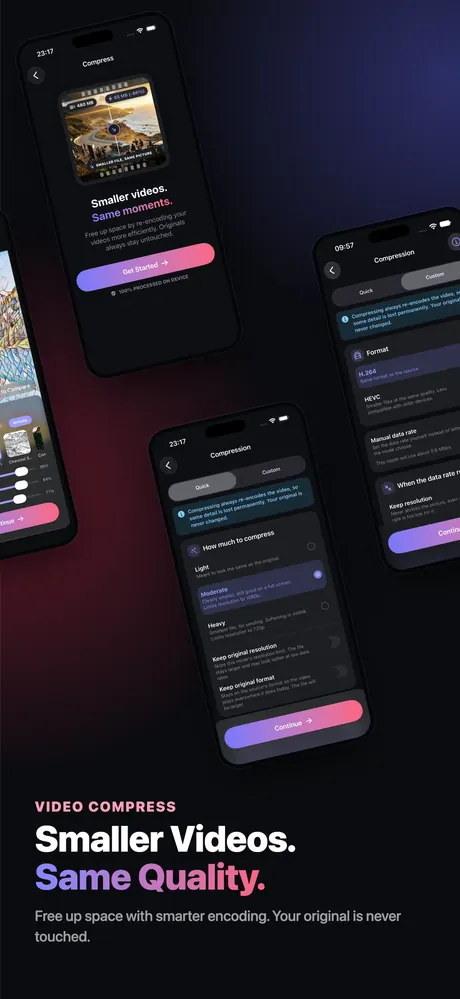
Shrink 4K videos and heavy photos to a fraction of their size before you share, upload or back them up — and stop hitting the "file too large" wall.
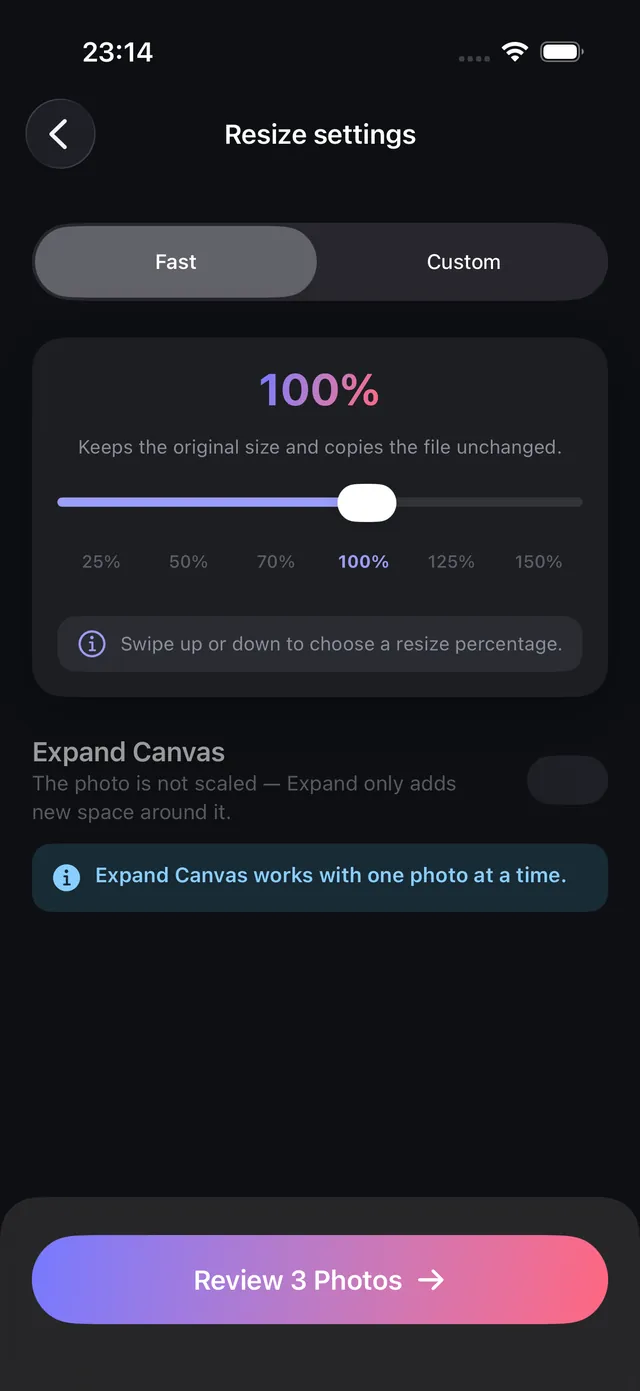
- Quick presets, or set quality, resolution and codec yourself
- Resize to exact pixels or a percentage
- Results are new files; originals are never touched
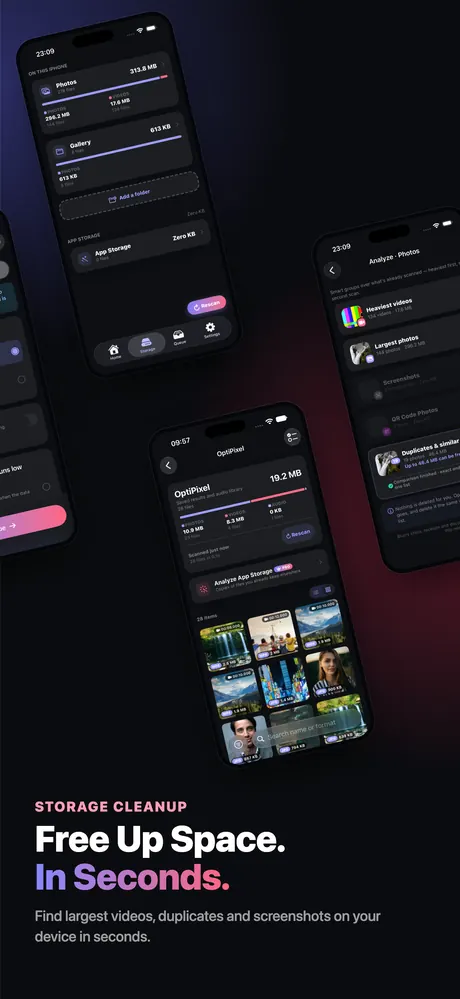
Storage
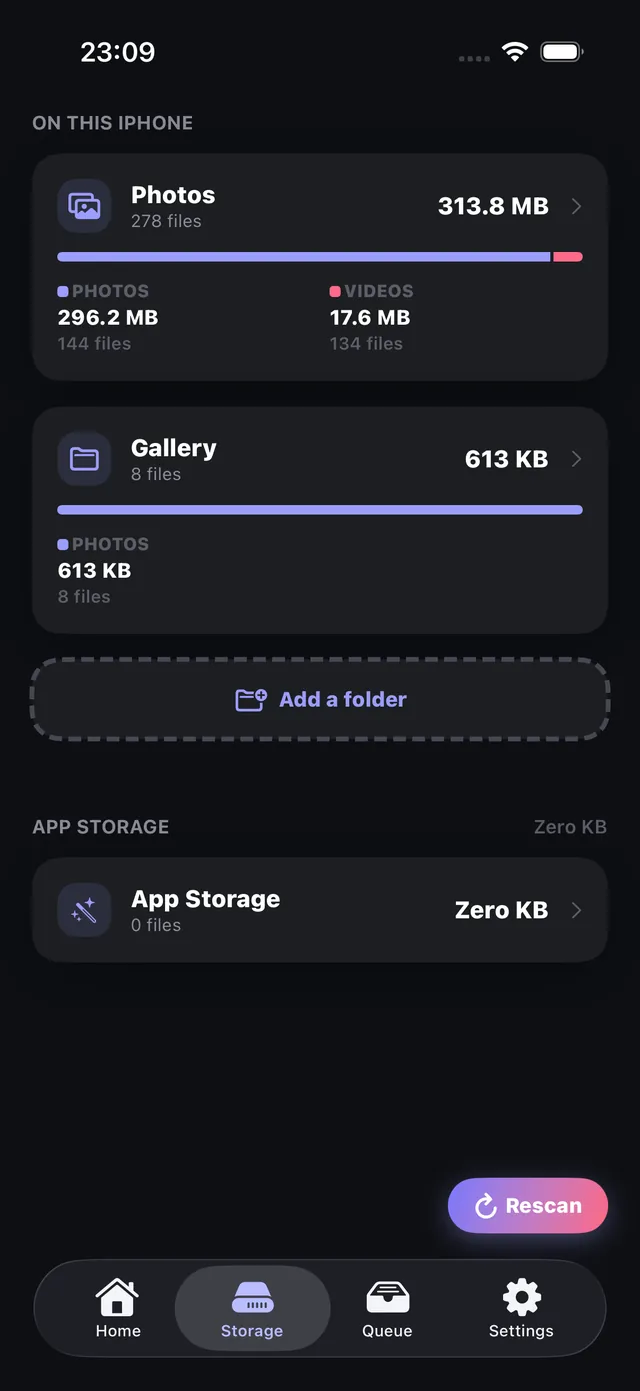
See what's filling your iPhone.
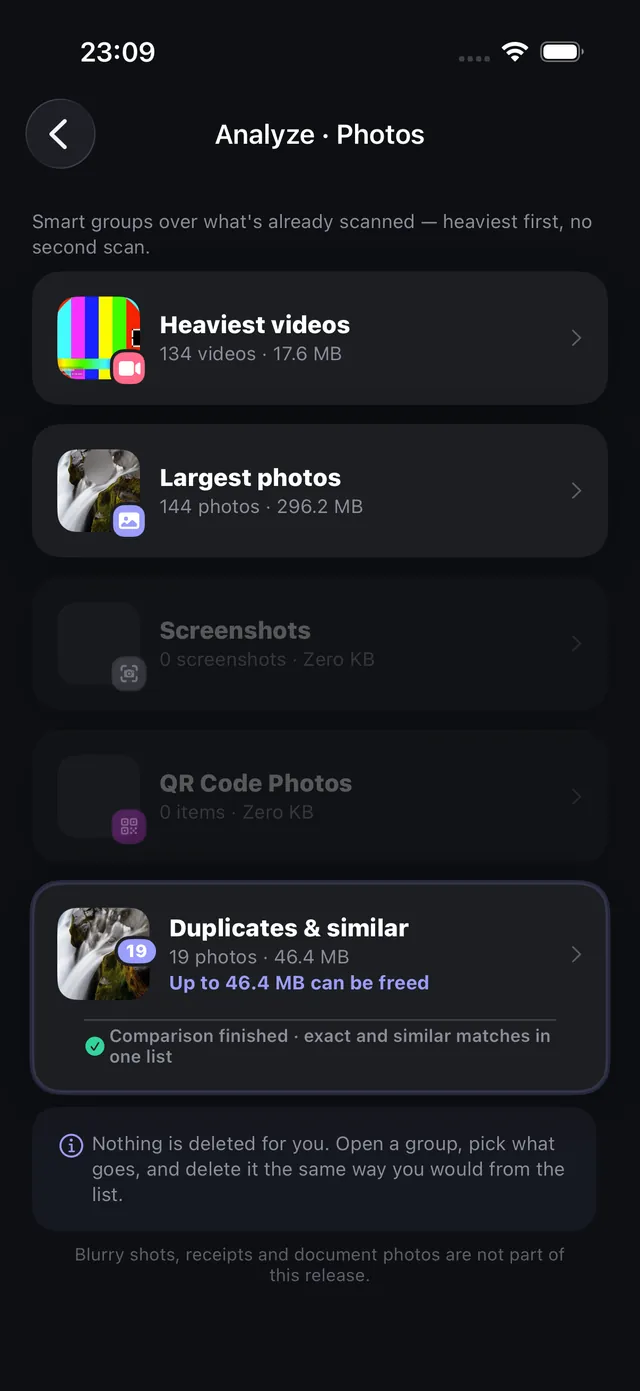
Storage sorts your library by what takes the most space: heaviest videos, largest photos, duplicates and similar shots, screenshots and QR codes.
- Review every group before anything is deleted
- Compress a heavy video straight from the list
- The scan happens on your device
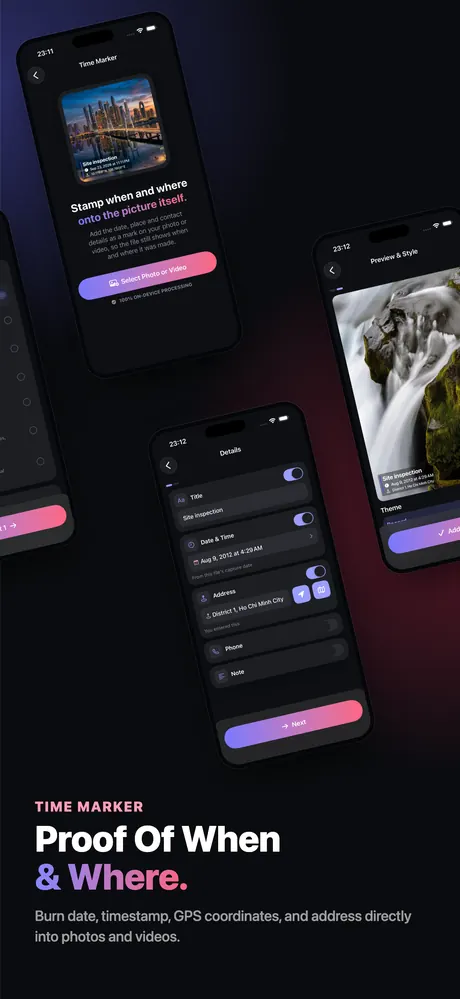
Time Marker
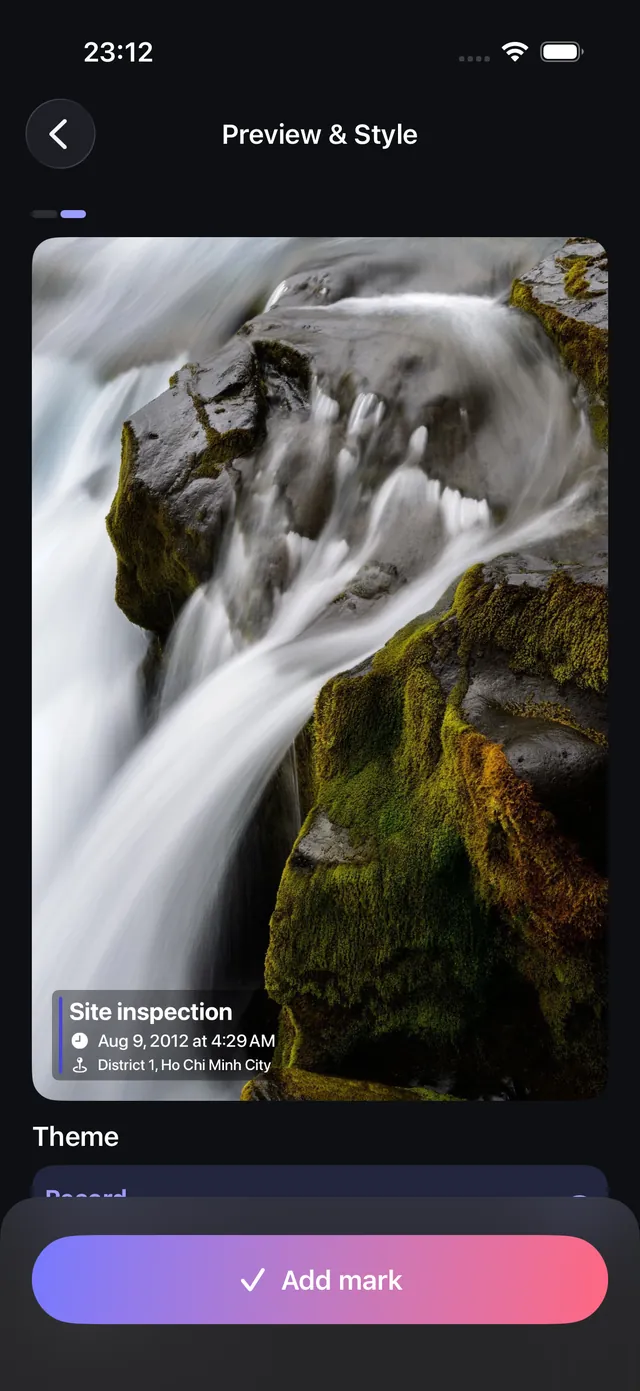
Stamp when and where, onto the picture itself.
Add the date, time, address and contact details to site photos, deliveries and handovers. It's burned in, so the proof travels with the file.
- Every field is optional — empty ones don't show
- Tap the preview to choose a corner
- Works on photos and videos
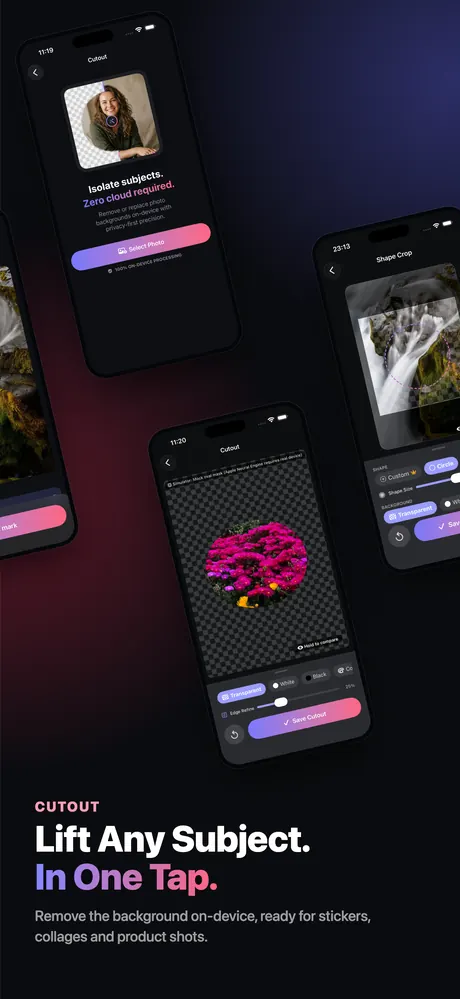
Cutout
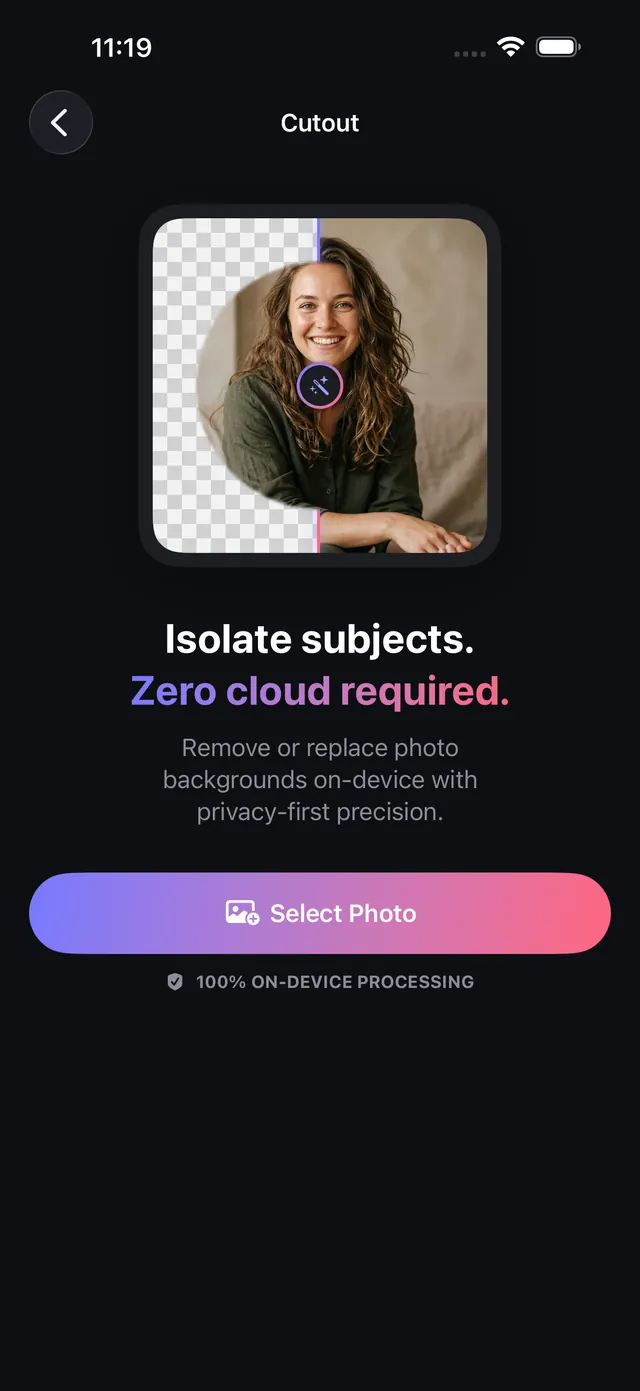
Lift the subject off any background.
Cutout finds people, pets and products and removes the background in one tap — then gives you a transparent PNG, a clean colour, or a soft blur.
- Tap a subject to keep it or drop it
- Keep and Erase brushes for tricky edges
- Batch many photos with one style
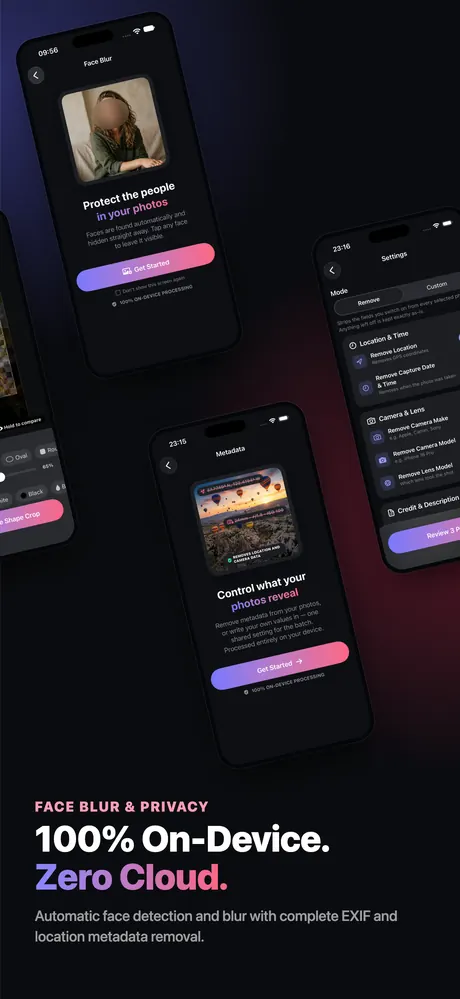
Face Blur
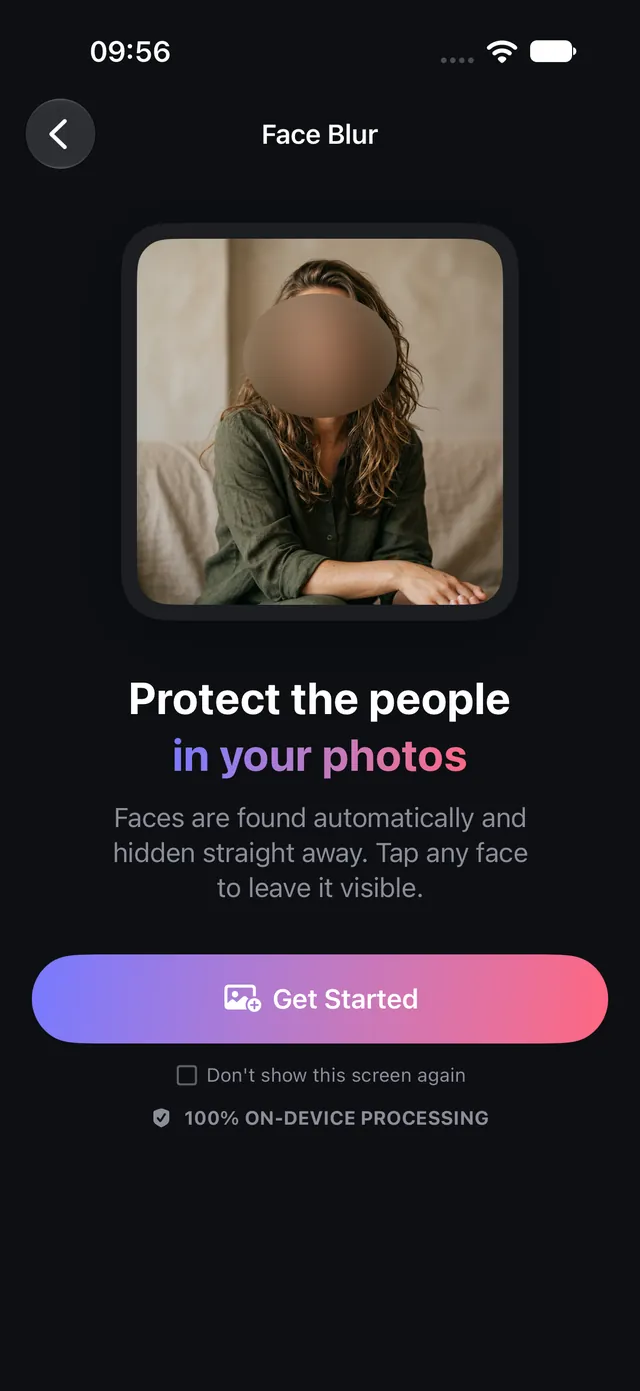
Share the photo, not the private details.
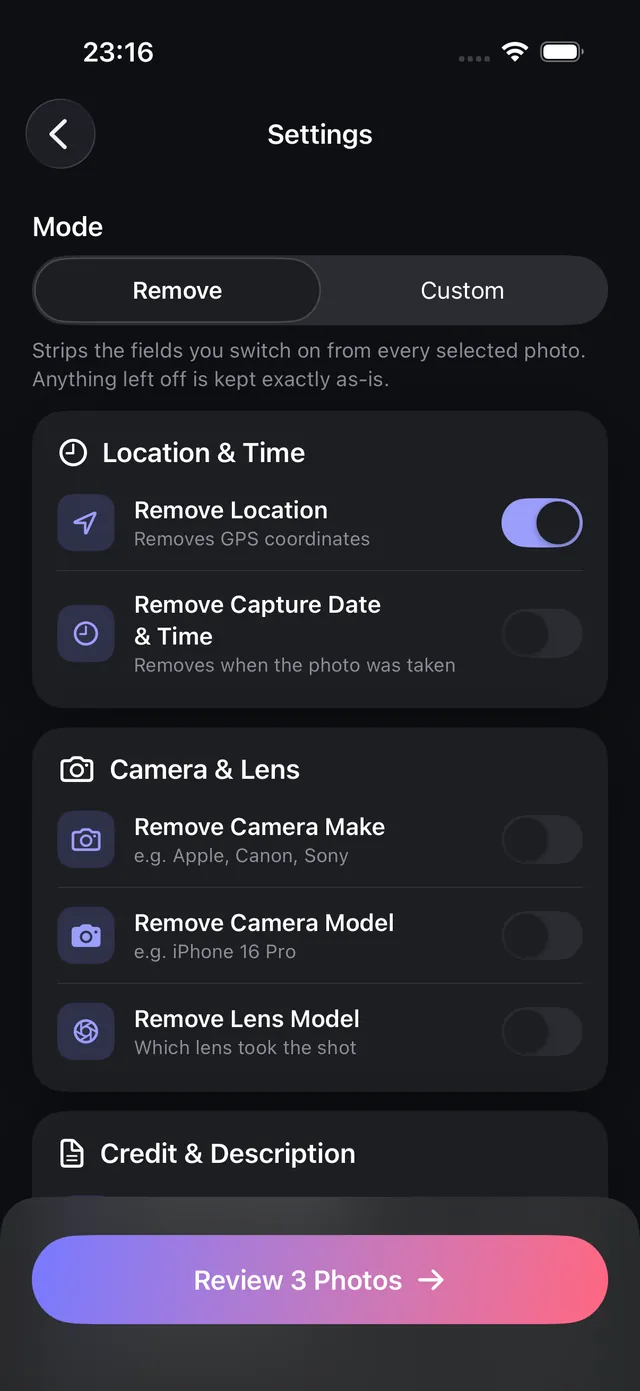
Blur faces automatically and remove the location and camera details hidden inside photos and videos before you post them.
- Faces are found for you — tap one to leave it clear
- Remove GPS location, capture date and device info
- Clean a whole selection at once
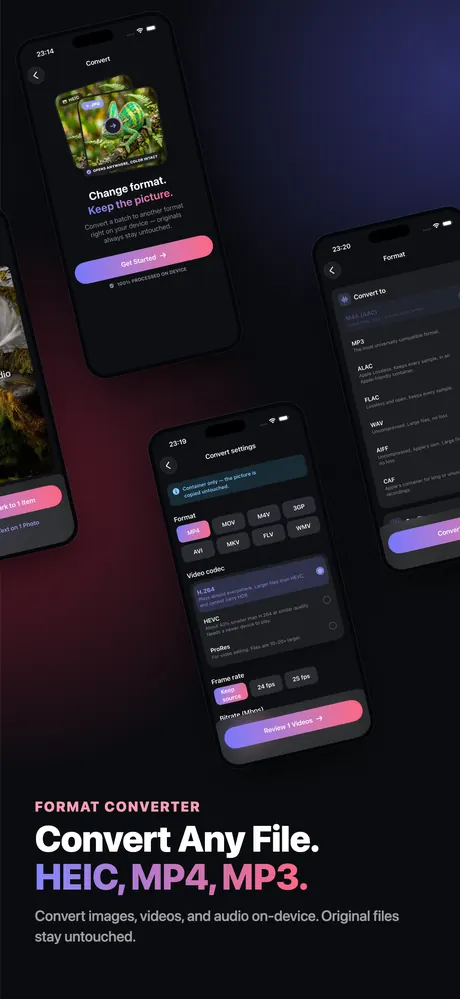
Convert
Change format. Keep the picture.
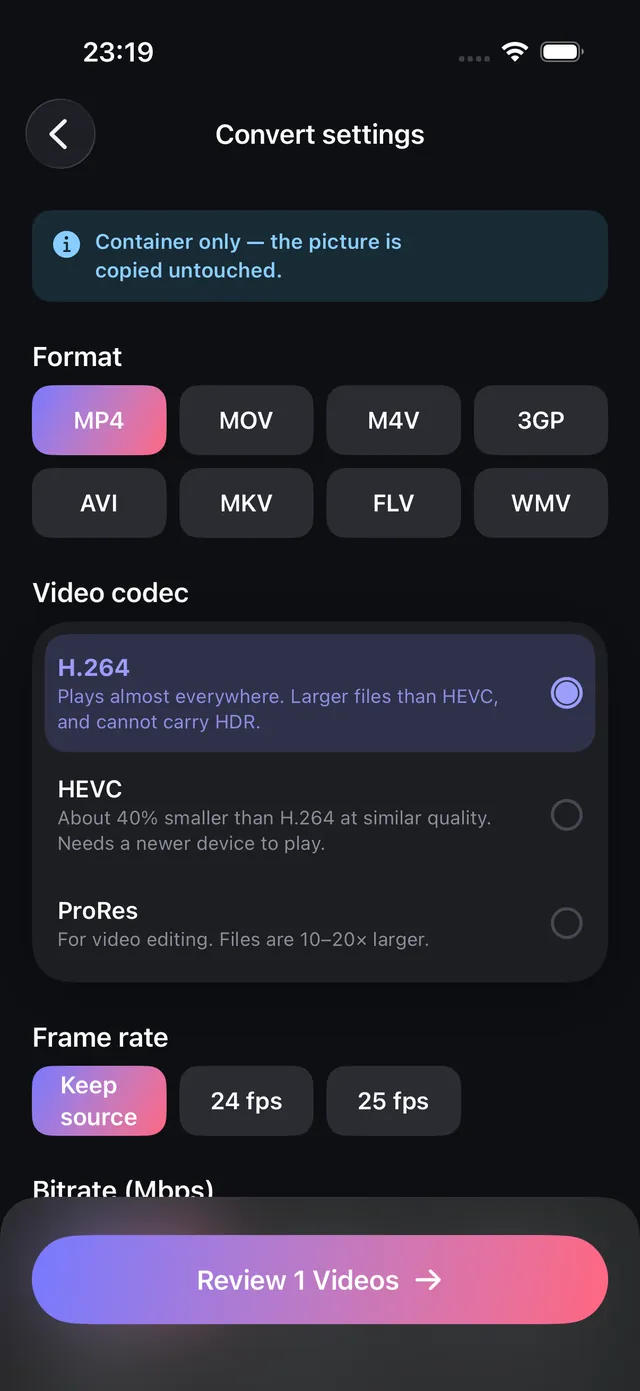
Convert HEIC to JPEG or PNG for any website, form or PC, and videos between MP4, MOV and other formats — in batches.
- HEIC, JPEG, PNG and more
- MP4, MOV, M4V and other video formats
- Audio convert and trim are included too
Take a look inside
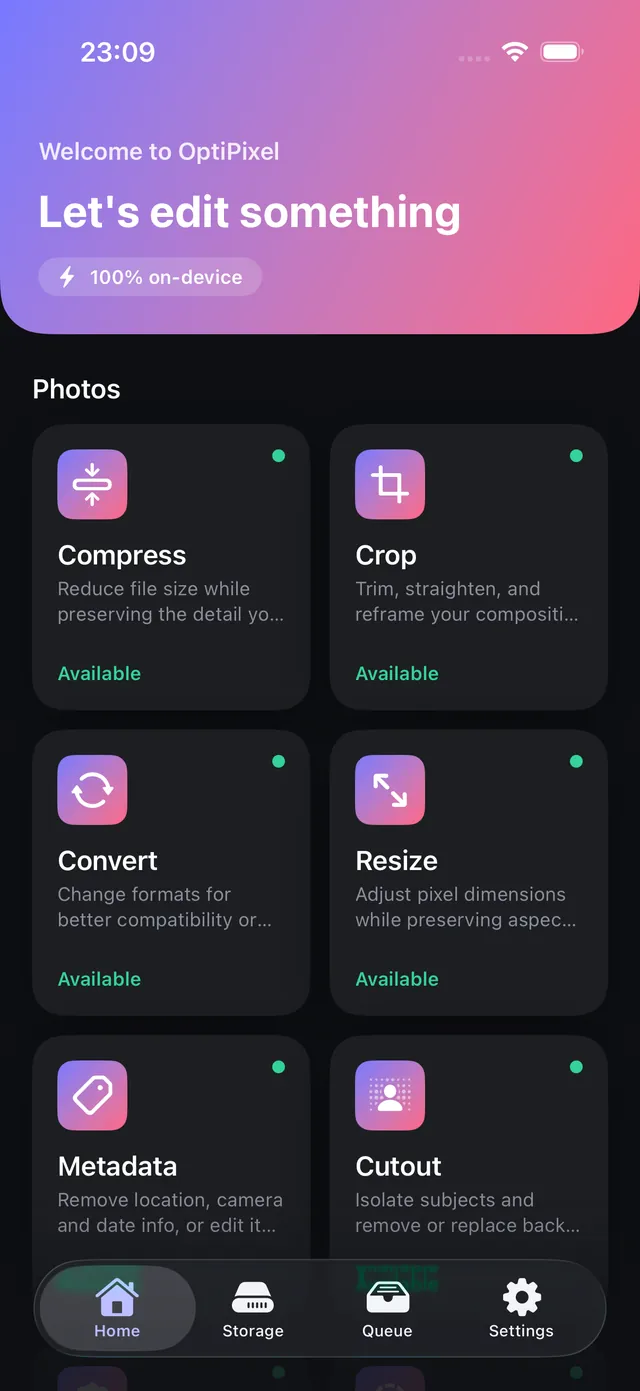
Every tool, the way it looks on your iPhone.
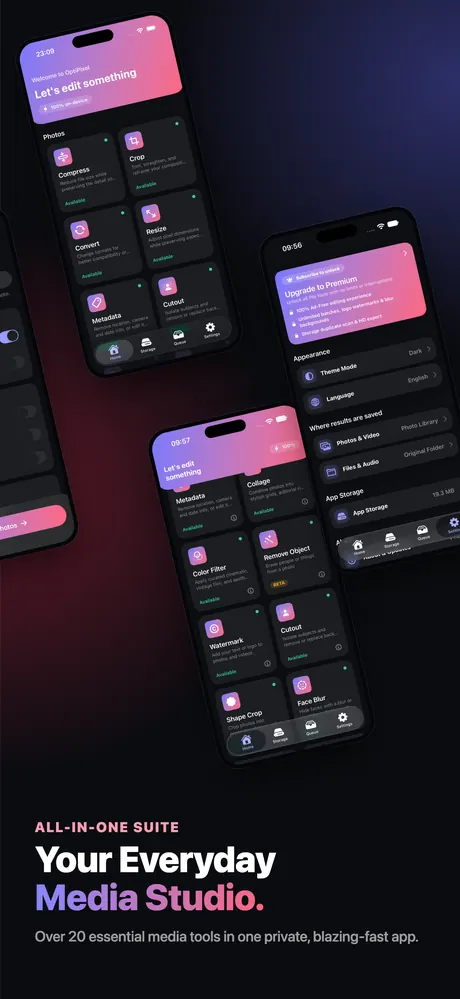
Everything you need. In one app.
More than 20 tools for photos, video and audio — and they all work the same way.
AI
- AI Transform
- Cutout
- Face Blur
- Text Extractor
- Remove Object Beta
Photo
- Compress
- Resize
- Convert
- Crop
- Shape Crop
- Collage
- Color Filter
- Watermark
- Time Marker
- Metadata
- Doc Scanner
Video
- Video Compress
- Video Trim
- Video Resize
- Video Convert
- Video Metadata
Audio
- Audio Convert
- Audio Trim
Storage & Queue
- Storage
- Queue
Private by design.
OptiPixel is built so your photos and videos never need to leave your device.
- Processing runs on your iPhone. Photos and videos are not uploaded.
- No account, no email, no sign-in.
- Originals are never modified. Every result is a new file.
- Larger AI models download once, with your OK, then work offline.
Free to start. Premium when you need more.
Free
Every tool opens for free. Process up to 3 photos or 1 video per task, or watch a short video to unlock a bigger one. Try the Pro tools before you save.
OptiPixel Premium
Unlimited batches, every Pro tool and no ads. Monthly or yearly — the yearly plan starts with a free trial.
Prices are shown in the app in your local currency. Subscriptions renew automatically and can be cancelled at any time in your Apple Account settings.
About NightSoft
Built and published by NightSoft
NightSoft is an independent software development team building and publishing consumer mobile applications. We focus on practical products that combine thoughtful user experiences, on-device technology, and privacy-first design. OptiPixel is our current product, developed and maintained by the NightSoft team.
Questions & answers
Is OptiPixel free?
Yes. Every tool opens for free and handles up to 3 photos or 1 video per task. Watching a short video unlocks a bigger task, and OptiPixel Premium removes the limits and ads.
Are my photos and videos uploaded?
No. Compressing, converting, AI Transform, Cutout, Face Blur and every other tool run on your iPhone or iPad. Your media is never sent to a server.
Does OptiPixel work offline?
Yes. A few AI styles and Remove Object use a larger model that downloads once (21–96 MB) after you agree. After that they work offline too.
Will it change my original photos?
No. By default every result is saved as a new photo, video or file, and the original stays exactly as it was.
Which devices are supported?
iPhone and iPad running iOS 17 or later. The app is available in 20 languages.
How much space can video compression save?
It depends on the original resolution and bitrate. A long 4K clip often shrinks to half its size or less with no visible difference on a phone screen.